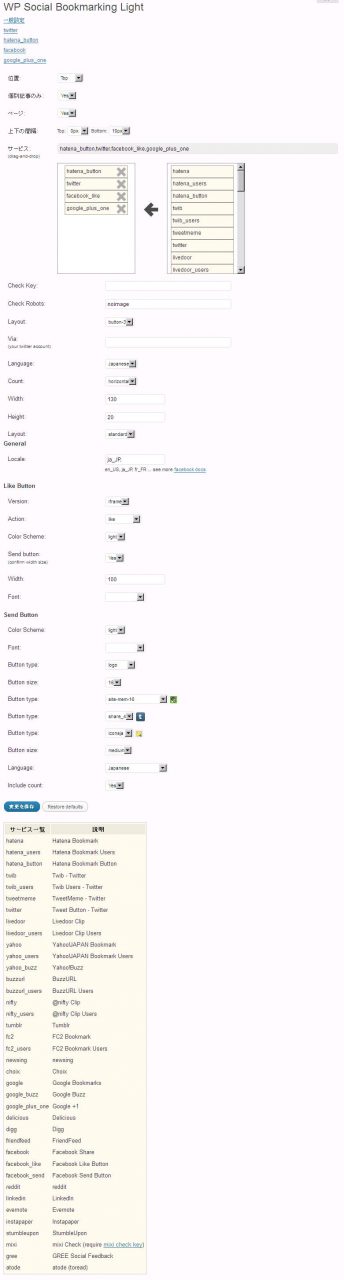
WP Social Bookmarking Lightの設定覚書 WP Social Bookmarking Lightで以下のような並びで アイコン表示させるための設定を覚書しておく。 共有: X で共有 (新しいウィンドウで開きます) X Facebook で共有 (新しいウィンドウで開きます) Facebook Tumblr で共有 (新しいウィンドウで開きます) Tumblr Reddit で共有 (新しいウィンドウで開きます) Reddit 関連 同日の投稿 同日の投稿はありません。